
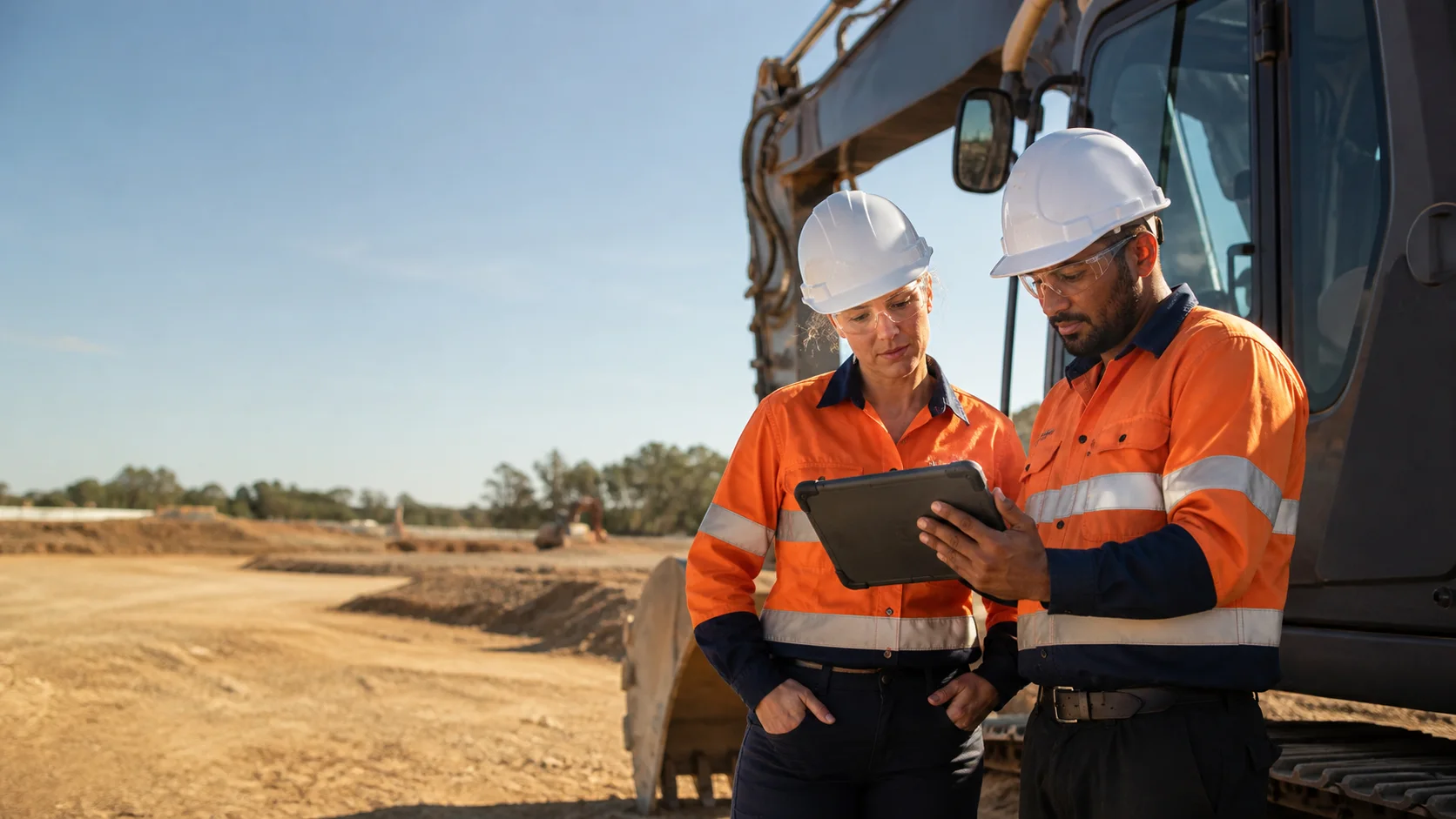
FIELD READYPhone · tablet · desktop
FEATURES · FIELD WORKFLOWS
Put the next field action in the worker’s hand.
Open the correct task from a QR code, complete it with large mobile controls and preserve a safe draft when reception disappears. Field workflows stay focused on the job instead of exposing an office-sized menu.
Responsive on phones and tabletsOffline-ready field work
WHAT YOUR TEAM GAINS
Faster for workers. Clearer for managers.
Make everyday field work easier to complete while keeping the information managers need to respond, report and improve.
Remove the menu hunt
A site, asset or form QR takes the worker directly to the relevant live process with context already selected.
Make every answer field-friendly
Touch-sized choices, voice notes, evidence capture and translated controls reduce friction on supported phones and tablets.
Protect work through poor reception
Drafts remain on the device until they can sync, so a network dropout does not erase a partially completed field record.
WHAT IS INCLUDED
Practical tools for real work.
See exactly how each tool helps your field team or gives managers a clearer view of the operation.
Pilot Assist in the app
Ask how to use PreStartPilot with voice or text. Answers stay within the application, respect enabled sections and do not make safety decisions or change records.
Scan-to-start QR workflows
Generate branded site, asset and form posters that open the correct live workflow with its context already selected.
Interactive form builder
Reorder questions, preview the field experience and add required answers, logic, signatures, photos, video and automatic defect rules.
Turn existing documents into form drafts
Upload a text-based PDF or Word form to create an editable draft, then review and improve it before publishing to the team.
Offline phone and tablet work
Use large field controls and device-saved drafts on supported devices, then sync safely when reception returns.
Automatic inspection location
Capture available location during the submission flow without asking workers to remember a separate GPS button.
Nine-language field controls
Display translated questions and choices, including right-to-left Arabic layouts for configured workflows.
Voice-to-text notes
Dictate editable inspection notes, incident details, corrective actions and team updates with supported speech recognition.
Team communication with recovery
Send operational updates, safety messages and job-site photos. Text messages save on the device and send when reception returns.
Android and iPhone alerts
When phone alerts are enabled for your organisation, each person can choose the safety, assignment and site updates they want to receive.
Ready-made workflow starters
Begin with vehicle and plant pre-starts, site reviews, task risk assessments, incidents, toolbox talks and maintenance forms.
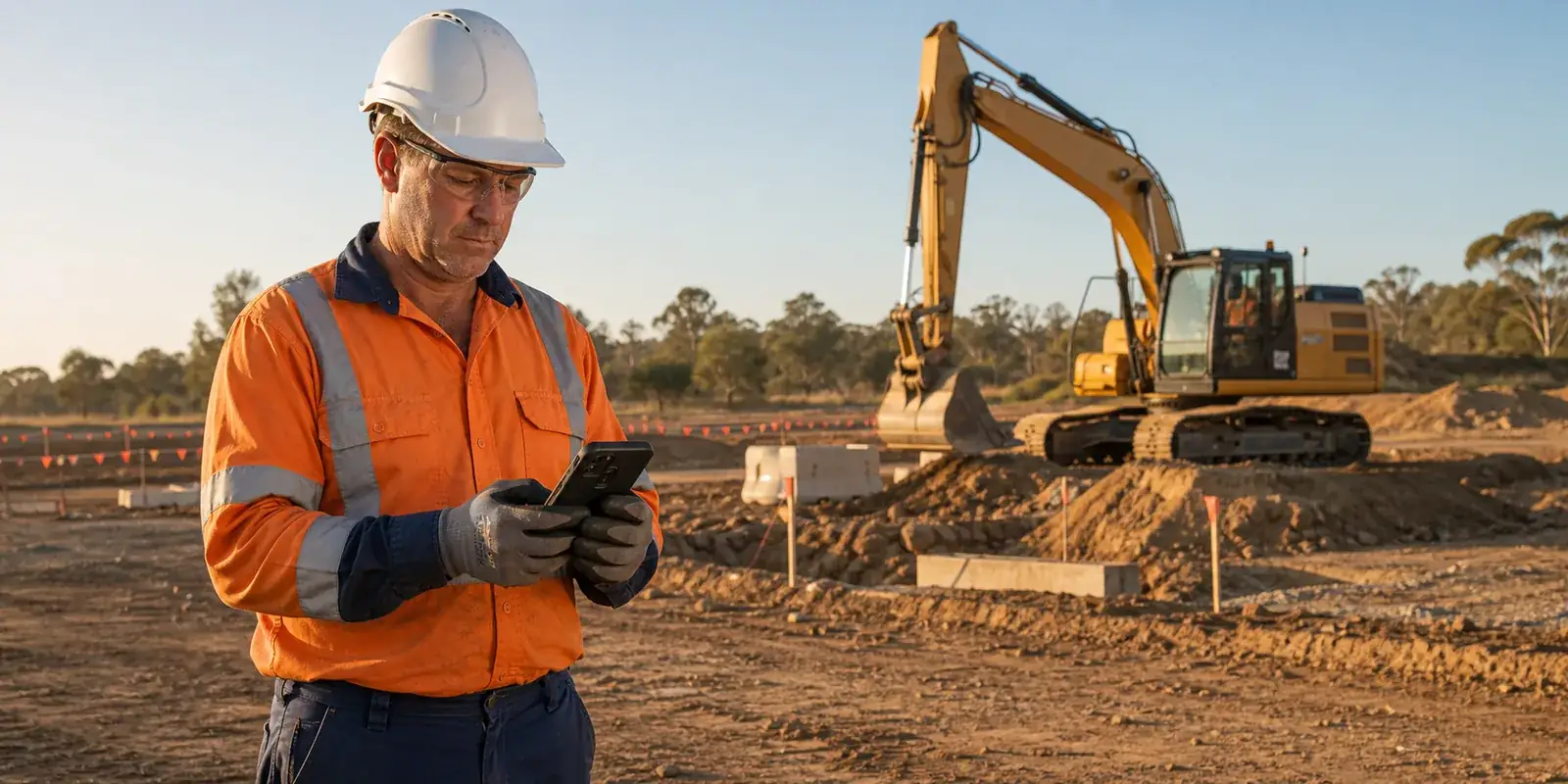
THE APP AT WORKDesigned around the next field action
BUILT FOR THE FIELD
The right action, easy to find.
Workers get a clear next step on their phone or tablet, while supervisors can still see the status, details and evidence behind the job.
9:41● ● ●
PreStartPilot•••

FIELD WORK · GOLD SITE
Daily plant pre-start
Offline draft protectedAssetExcavator · EX-07
Progress8 of 12 answers
LocationCaptured
HOW IT WORKS
From the first check to a finished record.
Open the right work
Scan a QR code or choose an assigned task from a prominent app action.
Complete it in context
Answer, dictate notes and add evidence while the app records the relevant site or asset.
Submit or recover
Send immediately or keep a protected device draft until connectivity returns.
ONE CONNECTED RECORDPeople, sites, assets, answers and evidence stay linked.
All feature areas READY TO SEE IT IN YOUR OPERATION?